Stick Figure Animation for YouTube: Niches, Workflow and Costs
Stick figure videos are affordable, easy to keep consistent and ideal for faceless channels. Here's how to plan, animate and outsource them without breaking YouTube's rules.
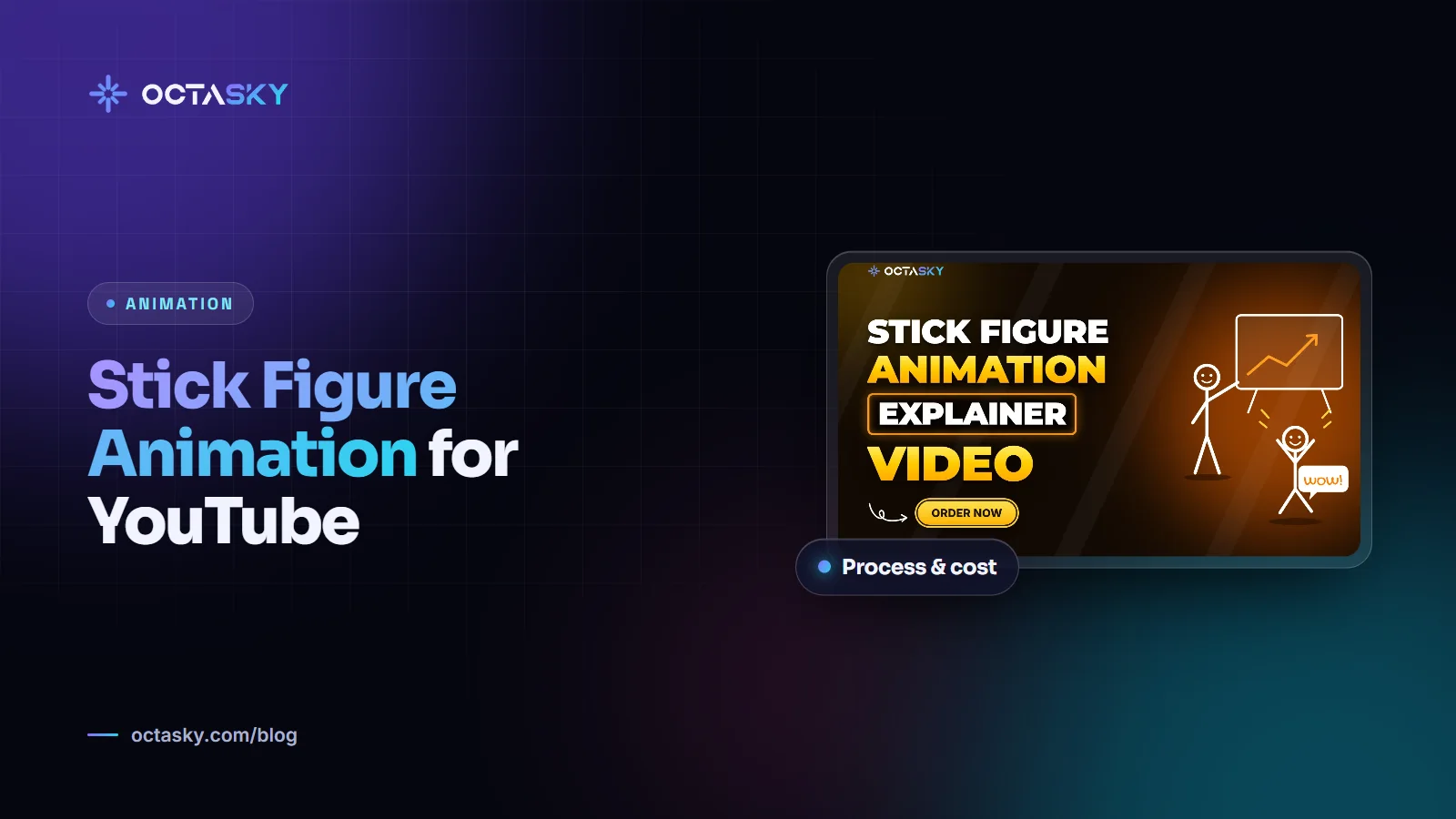
Stick figure animation for YouTube is popular with faceless channels for a simple reason: it lets a good script do the work without a big animation budget. Simple characters are quicker to draw, easier to keep consistent from video to video and still expressive enough for comedy, storytelling and explainers.
This guide covers which niches suit the style, how stick figure videos are made, where AI helps and where it causes problems, and what to check before you hire stick figure animation services.
Stick figure animation for YouTube: why it works
The style looks basic, but it has real advantages for a channel:
- Lower cost per minute: fewer details mean fewer hours, which matters when you publish long videos every week.
- Faster production: simple characters and backgrounds make a regular upload schedule realistic.
- Easy consistency: a stick figure can look the same in every episode, which helps viewers recognise your channel.
- Focus on the story: with minimal visuals, viewers pay attention to the narration and the jokes.
- Faceless by design: you can build a brand without ever appearing on camera.
The trade-off is that weak scripts have nowhere to hide. If the writing is dull, simple visuals won't save it.
Stick figure animation channels: niches that suit the style
Stick figures fit topics where narration carries the video and visuals illustrate the point. Common niches include:
- History and "what if" scenarios: wars, empires, inventions and hypothetical situations.
- Psychology and self-improvement: habits, behaviour and relationships explained through simple scenes.
- Personal finance and business: money mistakes, company stories and economic ideas.
- Storytelling: narrated personal stories, fables or fictional series.
- Comedy and sketches: short, exaggerated scenes where timing matters more than detail.
- Science explainers: simple diagrams with characters reacting to big ideas.
Stick figures can carry more than explainers, too. Alan Becker's Animator vs. Animation, first released in 2006, showed how much action and personality a stick figure can deliver with almost no dialogue. For more topic ideas, see our list of cash cow YouTube channel ideas.
Planning a stick figure animation YouTube channel
Before the first video, decide a few things that will keep the channel consistent:
- Niche and audience: who the videos are for and what they want to learn or feel.
- Format and length: for example, 8 to 12 minute explainers or weekly stories, plus Shorts cut from them.
- Character design: head shape, line weight, colours and one or two signature details, so your figures don't look like everyone else's.
- Visual rules: background style, text style, colour palette and how much detail each scene gets.
- Voice: your own voice, a hired voice artist or a carefully chosen synthetic voice.
- Thumbnails: a consistent, readable thumbnail style matters as much as the animation. Our YouTube thumbnail design rules cover the basics.
If you're starting from zero, our guide on how to start a faceless YouTube channel walks through the setup.
How to animate stick figures: a basic workflow
Whether you animate yourself or hire a team, the process usually looks like this:
- Script: write for the ear, in short sentences, with clear visual moments.
- Voiceover: record it first, because the animation is timed to the audio.
- Beat sheet or storyboard: split the narration into scenes and note what happens on screen in each.
- Characters and assets: build reusable characters, props and backgrounds.
- Key poses: animate the main poses in each scene, then add the in-between movement.
- Camera and text: add zooms, pans, labels and simple effects to keep scenes moving.
- Sound: music and sound effects add a lot of energy to simple visuals.
- Edit and export: check the pacing, then export at 1080p or 4K.
For tools, many beginners start with Pivot Animator, a free stick figure program for Windows. More advanced creators use general 2D animation software such as Adobe Animate or After Effects with reusable character rigs, which makes long videos much faster to produce.
Stick figure animation AI: what it can and can't do
AI tools are now part of many stick figure workflows. They can help with:
- Research and first drafts of scripts
- Synthetic voiceovers
- Rough scene images or backgrounds
- Captions and translations
The limits are real, though. AI image tools can struggle to keep the same character consistent across dozens of scenes, timing often needs manual fixing and the output can look generic. A sensible approach is to use AI for drafts and speed, then rely on a human editor or animator for consistency, pacing and quality checks.
YouTube rules to know before you scale
Two policies matter most for animated channels:
- Inauthentic content: in July 2025, YouTube renamed its "repetitious content" monetisation policy to "inauthentic content". Its examples include templated storylines with minimal narrative or educational value, and AI-generated content made with generic templates that gives the impression of mass production. Channels like this can be refused or lose monetisation in the YouTube Partner Program.
- Altered or synthetic content: YouTube asks creators to disclose AI-generated or altered content that looks realistic, such as making a real person appear to say or do something they didn't. Clearly animated, non-realistic content generally doesn't need the label, but it can apply if you mix in realistic AI footage or put words in a real person's mouth.
The safe approach is simple: give every video an original script, real storytelling and visible creative effort. No policy guarantees monetisation, so check YouTube's current rules before you scale up production.
Stick figure animation services: costs and what to ask
Prices vary a lot. On freelance marketplaces, short, simple stick figure clips are sometimes listed for tens of dollars, while full YouTube episodes with scripting, voiceover and custom scenes cost considerably more. Studios and agencies usually quote per finished minute or offer monthly packages for a set number of videos.
Before you hire, ask:
- Who writes the script, and who records the voice?
- Can they keep your characters and style consistent across every episode?
- How many revisions are included per video?
- What's the turnaround for a 10-minute video?
- Do you get full commercial rights, and are the music and sound effects properly licensed?
- Which formats are delivered, for example 1080p or 4K files plus Shorts cutdowns?
Tip: Order one pilot video before committing to a monthly package. It shows you the real quality, communication and turnaround, and gives you something to test with your audience.
Stick figure animation FAQ
Can stick figure animation channels be monetised?
Yes, if they meet YouTube Partner Program requirements and follow its policies. The style itself isn't the problem. Channels run into trouble when videos are mass-produced from the same template with little original value.
Do I need drawing skills to make stick figure videos?
Not many. Stick figures use simple shapes, but good timing, posing and storytelling take practice. Many creators write the scripts themselves and outsource the animation.
Is stick figure animation cheaper than other 2D styles?
Usually, yes. Simple characters and backgrounds take fewer hours than detailed 2D character animation, although custom scenes, lots of movement and tight deadlines still add cost.
Should I use AI or hire an animator?
AI is useful for research, drafts and speed. For a channel you want to grow over years, a human animator or editor helps keep quality, consistency and originality high, and originality also matters for monetisation.
Simple visuals, strong stories
Stick figure animation for YouTube gives creators an affordable, recognisable style, as long as the script and storytelling are strong. Plan your style, keep production consistent and stay on the right side of YouTube's originality rules.
OCTASKY's animation team in Multan produces stick figure videos for YouTube channels and can share a clear quote based on your script length and upload schedule.
Need help with this?
OCTASKY's team of 15+ designers, developers, editors and marketers can take it off your plate. Tell us about your project and we'll reply with ideas and a clear quote.
Chat on WhatsApp