Types of Animation Styles: Whiteboard vs 2D vs Stick Figure
The main types of animation styles with examples, then a detailed comparison of whiteboard, 2D and stick figure animation: look, best uses, effort, cost drivers and how to choose.
Animation is one of the clearest ways to explain an idea, sell a product or tell a story. But "animated video" covers very different types of animation styles, and the style you pick changes how your message feels, how long production takes and what it costs.
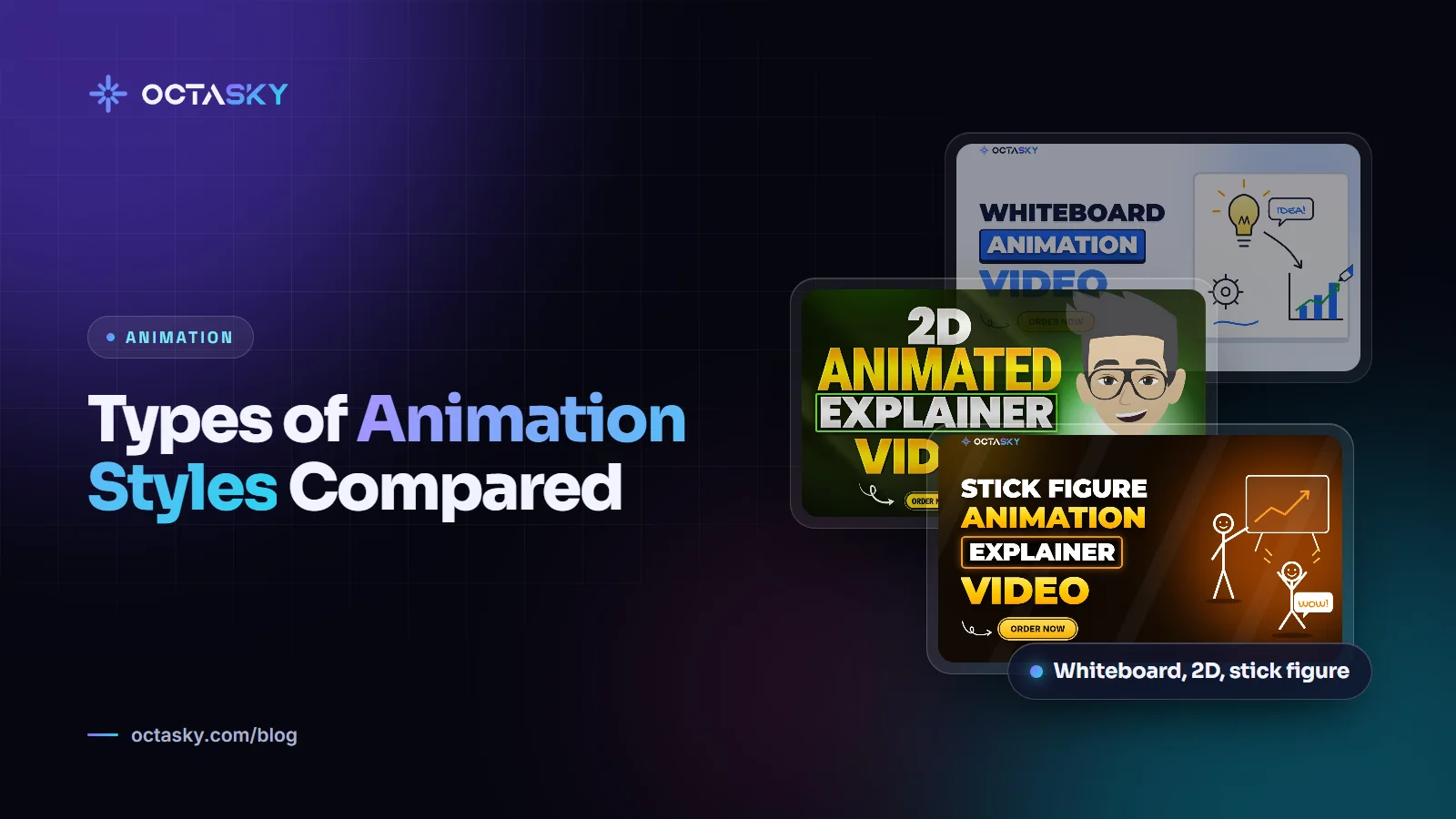
This guide starts with a quick overview of the main animation styles, with examples of where each one is used. Then it goes deep on three styles that businesses and YouTube creators often weigh against each other: whiteboard vs 2D vs stick figure animation. You'll see how they compare and how to choose the right one for your video.
Types of animation styles with examples
There's no single official list, and studios group styles differently. These are the ones you'll meet most often in marketing, education and YouTube:
- 2D animation: flat or semi-flat illustrated characters and scenes that move. Example: a character-led explainer for a mobile app, or an animated YouTube story.
- Motion graphics: animated text, icons, shapes, charts and interface screens, usually without full characters. Example: a SaaS product video that shows simplified app screens and data.
- Whiteboard animation: drawings appear to be sketched by hand on a white background as the narrator speaks. Example: a training video that builds a process diagram step by step.
- Stick figure animation: minimal line-drawn characters with expressive faces, often used for storytelling and humour. Example: a history or psychology channel on YouTube.
- 3D animation: computer-generated models with depth, lighting and texture. Example: a product demo that rotates a device to show its parts. It's usually the most time-consuming option.
- Stop motion: real objects, clay figures or paper cut-outs photographed one frame at a time. Example: a handmade-looking social media ad. Claymation and cut-out animation are well-known forms.
- Kinetic typography: animated words timed to a voiceover or song. Example: a quote or statistics video for social media.
Many videos mix styles, such as 2D characters with motion-graphics screens. For most business explainers and faceless YouTube channels, though, the decision often comes down to three styles.
Whiteboard vs 2D vs stick figure animation
Each of these styles can explain almost anything. The difference is in how the message feels, how much work each second takes and where the video will play.
What is whiteboard animation?
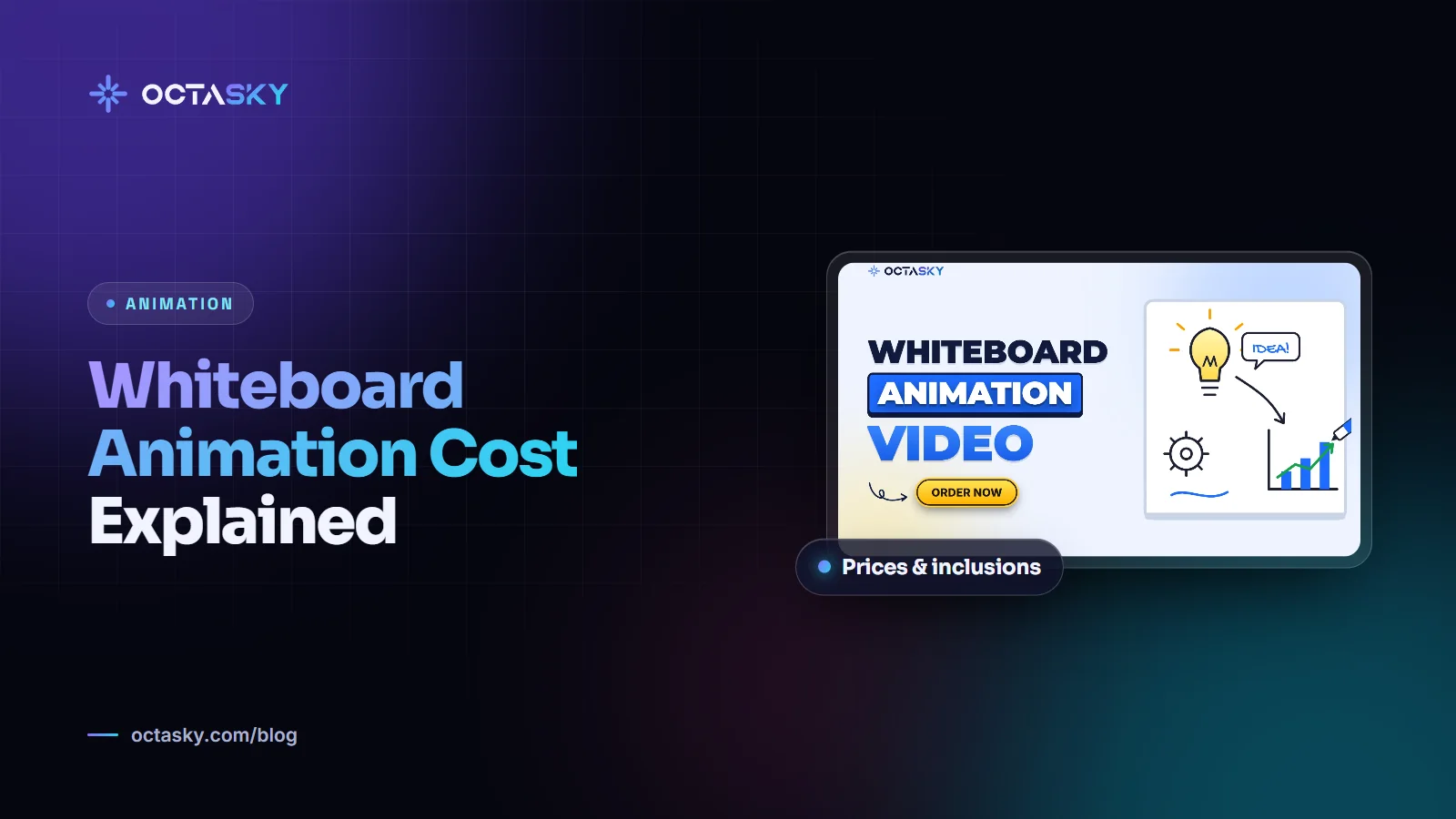
Whiteboard animation shows a hand (real or illustrated) drawing images on a white background in sync with the narration. Ideas appear stroke by stroke, so the viewer follows the explanation as it's built. The style grew popular online around 2010, when the RSA Animate series turned talks into hand-drawn whiteboard videos.
What it's used for: education, employee training, explaining processes, research summaries, product explanations and pitches: anywhere a complex idea benefits from being shown step by step.
Strengths:
- The drawing-in effect holds attention, because viewers want to see what appears next.
- The simple visuals keep focus on the message.
- Usually efficient to produce, since scenes are illustrations rather than full character animation.
Limitations: it can feel corporate or dated if it's done without care, and it has less emotional range than full colour animation. Colour accents, custom illustrations and good sound design go a long way. Our guide to whiteboard animation cost explains what drives the price.
What is 2D animation?
2D animation uses flat or semi-flat illustrated scenes and characters that move. It ranges from clean motion graphics (animated icons, text, charts and UI screens) to full character animation with lip sync and acting.
Best for: brand videos, product and SaaS explainers, social media ads, app demos, children's content and YouTube storytelling.
Strengths:
- Complete control over colour, style and branding.
- Wide emotional range, from playful to premium.
- Works well for showing software, products and abstract ideas.
Limitations: it involves more design and animation work than the other two styles. Detailed characters, lip sync, walk cycles and complex camera moves all add time.
What is stick figure animation?
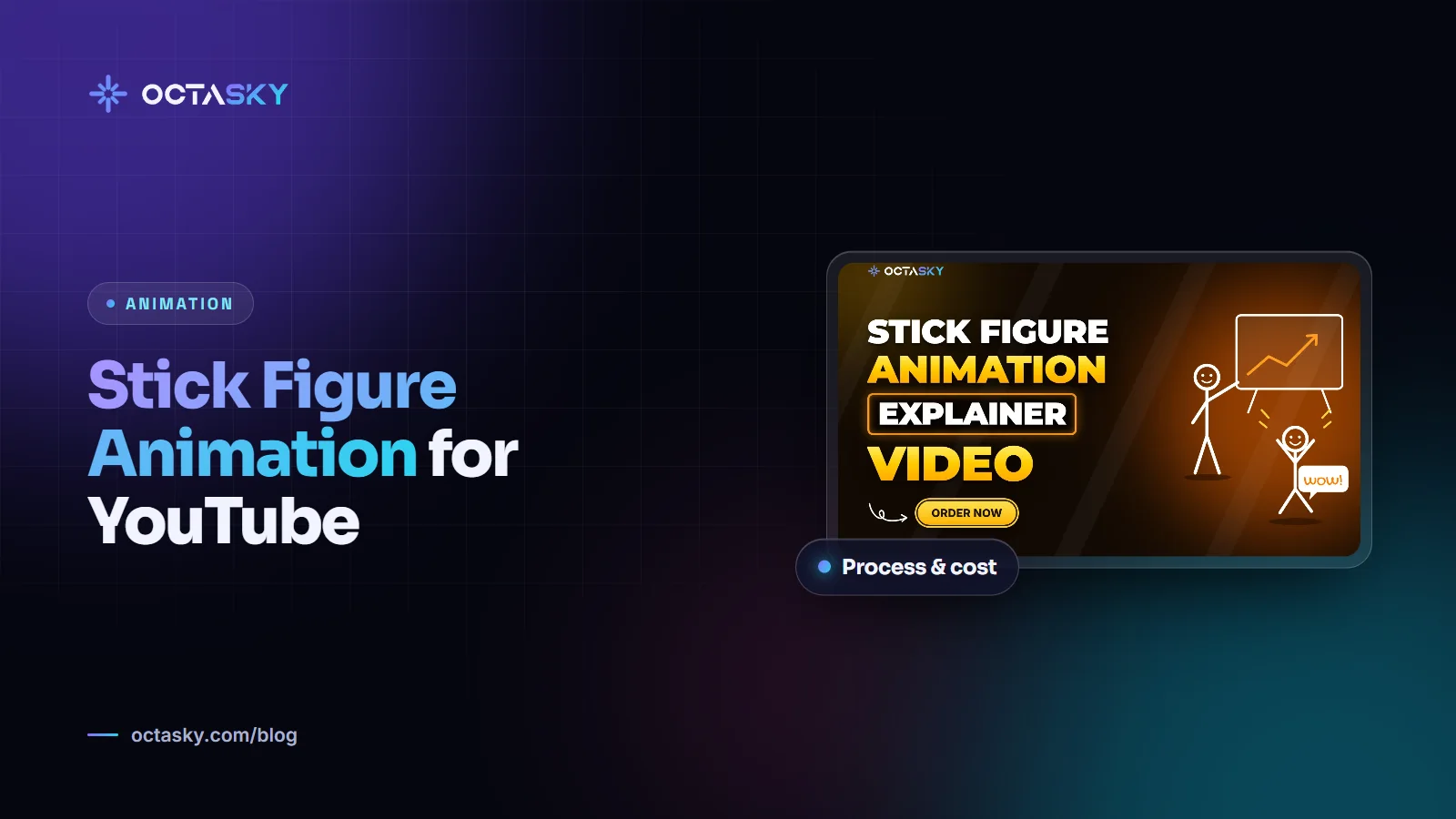
Stick figure animation uses minimal characters made of simple lines, often with expressive faces and humour. It has become a popular style on YouTube for history, psychology, science and "what if" storytelling.
Best for: YouTube channels, storytelling, light-hearted explainers, internal communications and series that need frequent uploads.
Strengths:
- Usually faster to produce than full 2D character animation, so it suits regular publishing.
- Its simplicity puts the spotlight on the script, voice and timing.
- A distinctive, friendly look that stands out in busy feeds.
Limitations: it may feel too casual for some corporate brands, and it depends heavily on a strong script and voiceover. With weak writing, there's nothing to hide behind. If you're planning a channel in this style, read our guide to stick figure animation for YouTube.
Side-by-side comparison
- Look and feel: whiteboard is clean and educational; 2D is polished and brandable; stick figure is simple, expressive and often funny.
- Typical use: whiteboard for teaching; 2D for marketing and products; stick figure for storytelling and YouTube.
- Production effort: stick figure and whiteboard are usually the lightest; 2D motion graphics sits in the middle; 2D character animation usually takes the most work.
- Branding flexibility: highest with 2D, moderate with whiteboard (through colour accents), lowest with stick figure.
- Best length: whiteboard and 2D explainers often work best at one to three minutes; stick figure storytelling can hold attention for much longer on YouTube.
What drives cost and timeline
Whatever the style, the same factors decide the budget:
- Length of the video and of the script.
- Number of unique scenes and characters that need designing.
- Animation complexity, such as lip sync, walking, camera moves and transitions.
- Level of illustration detail.
- Voiceover: language, number of voices, professional talent.
- Music and sound effects licensing and design.
- Revision rounds and how early the script is locked.
- Deadline: rush jobs need more people working in parallel.
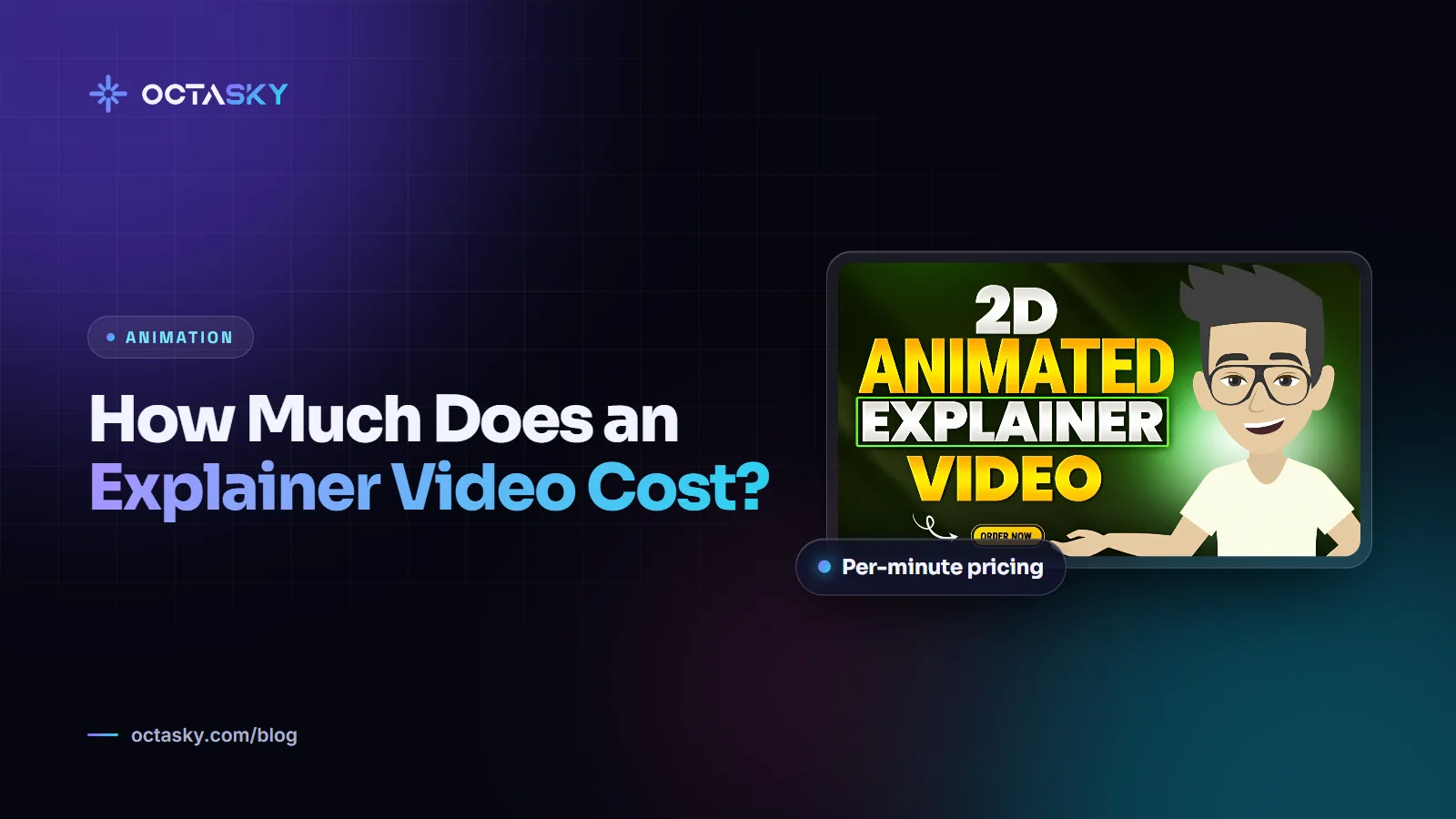
For rough per-minute price ranges by style, see our guide to explainer video cost.
How to choose an animation style: five questions
- Who is the audience? Business decision makers often respond well to clean 2D or whiteboard. A general YouTube audience loves stick figure and 2D storytelling.
- What's the goal? To teach, consider whiteboard. To persuade or sell, consider 2D. To entertain and build a following, consider stick figure.
- Where will it play? A homepage, a paid ad, a YouTube channel and a training portal all have different expectations.
- How often do you need videos? For a weekly series, choose a style you can produce sustainably.
- How important is brand consistency? If the video must match your brand closely, 2D gives you the most control.
No style is "better". The right style is the one that makes your message easiest to understand for your audience.
The production process is similar for all three
Most animated videos follow the same path: brief, script, voiceover, storyboard and style frames, animation, sound design, revisions and final delivery. Ask for the formats you need at the start, such as 16:9 for YouTube and websites, 9:16 for Reels and Shorts, and 1:1 for some feeds. If you're making a software explainer, our explainer video script template will help you get the most important step, the script, right.
Animation styles FAQ
What are the main types of animation styles?
The styles you'll see most in marketing and online video are 2D animation, motion graphics, whiteboard animation, stick figure animation, 3D animation, stop motion and kinetic typography. Many projects combine two or more, such as 2D characters with motion-graphics screens.
What is whiteboard animation used for?
Whiteboard animation is mostly used to explain: training, education, processes, research summaries and product or business pitches. The drawing-in effect lets viewers follow an idea as it's built, which suits complex topics.
Is 2D animation better than whiteboard animation?
Neither is better in general. 2D offers more colour, branding and emotional range, which suits marketing and products. Whiteboard keeps visuals simple and focused on the explanation, which suits teaching and training.
Which animation style is the cheapest?
Among custom styles, whiteboard and stick figure animation are usually the most affordable, because scenes are simpler and characters need less animation. 3D and detailed 2D character animation usually cost the most. Length, scenes and revisions still matter more than the label.
Is stick figure animation good for YouTube?
Yes. It's quick enough to support a regular upload schedule, and its simplicity puts the focus on the script and voice, which is what keeps viewers watching. Each video still needs an original script to meet YouTube's monetization policies.
Pick the style that serves the message
Start with your audience, goal and publishing schedule, then choose the simplest style that does the job well. A clear script in a simple style will beat a confusing script in an expensive one.
OCTASKY's animation team in Multan produces whiteboard, 2D and stick figure videos, and we're happy to suggest the style that fits your script and budget.
Need help with this?
OCTASKY's team of 15+ designers, developers, editors and marketers can take it off your plate. Tell us about your project and we'll reply with ideas and a clear quote.
Chat on WhatsApp