YouTube Thumbnail Size and Design: 12 Rules for More Clicks
The right YouTube thumbnail size for videos and Shorts, how to make a thumbnail in Canva, Photoshop, on mobile or with AI, plus 12 design rules and ideas that earn clicks.
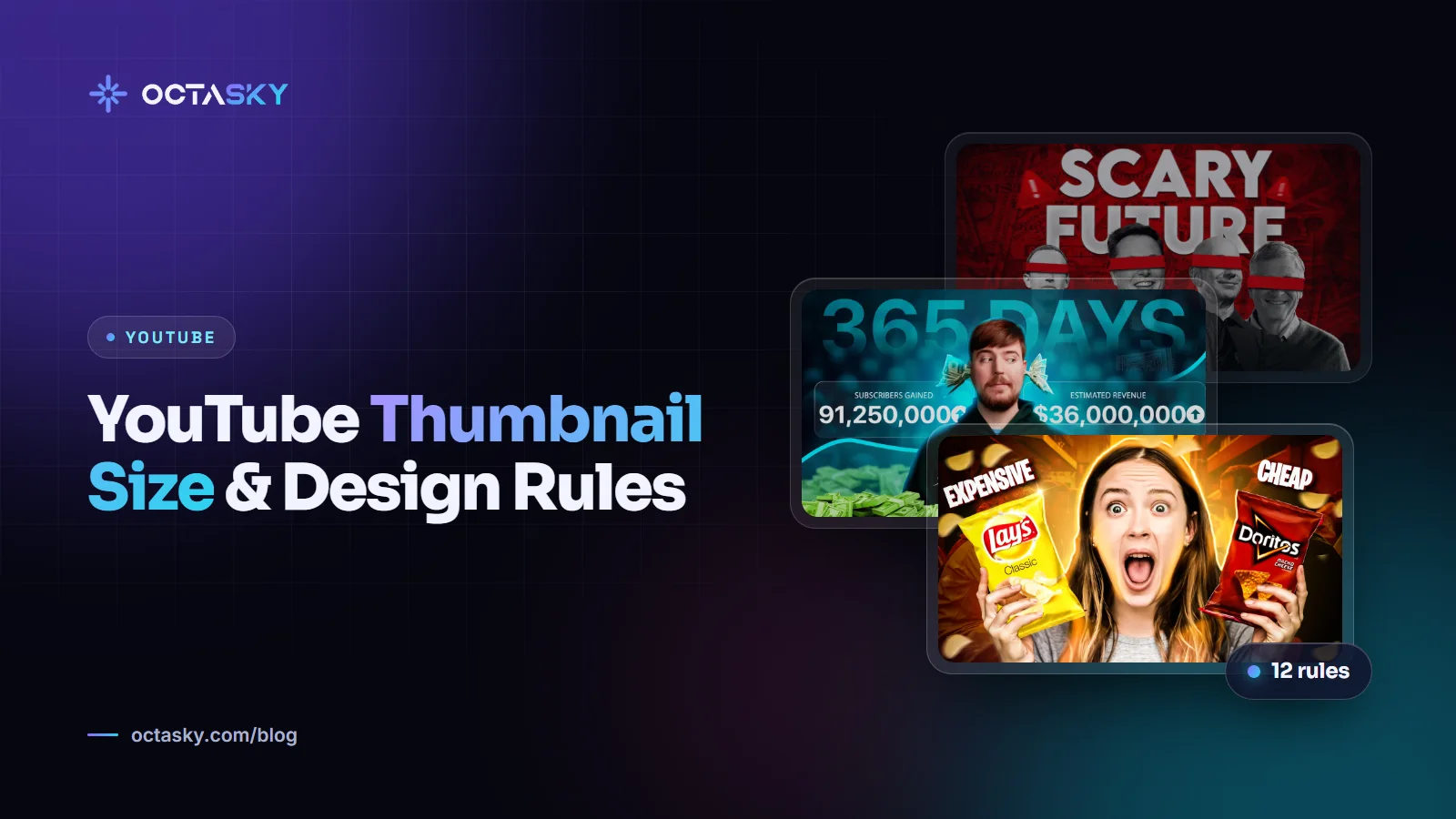
On the YouTube home page and in suggested videos, your thumbnail is a small rectangle competing with dozens of others, and viewers decide in a moment whether to click. Getting the YouTube thumbnail size right makes sure your image looks sharp everywhere. Getting the YouTube thumbnail design right makes people want to click it.
This guide covers both: the current size and file requirements for videos and Shorts, a step-by-step way to make a thumbnail in Canva, Photoshop, on mobile or with AI, 12 design rules and a list of thumbnail ideas. Good thumbnails don't trick people. They make an honest promise and make it impossible to ignore.
YouTube thumbnail size: pixels, ratio and file limits
These are the requirements on YouTube's own help page for custom thumbnails at the time of writing. YouTube updates them from time to time, so check YouTube Help if something doesn't upload.
- Recommended resolution for videos: 3840 × 2160 pixels (4K).
- Minimum width: 640 pixels.
- Aspect ratio: 16:9 for videos.
- File format: image formats such as JPG or PNG.
- File size: up to 2 MB when you upload from a phone, and up to 50 MB from a computer.
- Account: your channel must be verified to upload custom thumbnails, and there's a daily limit on how many you can upload.
YouTube thumbnail size in pixels: 4K or 1280 × 720?
For years, 1280 × 720 pixels was the standard recommendation, and many tools still use it as their default template. It's still 16:9 and well above the 640-pixel minimum. YouTube now recommends 3840 × 2160, which looks sharper on large screens and TVs. A practical approach is to design at 1920 × 1080 or larger in 16:9, then export a high-quality JPG or PNG. If you upload from your phone, keep the file under 2 MB.
YouTube thumbnail size for Shorts
YouTube's help page recommends 2160 × 3840 pixels (a 9:16 ratio) for Shorts thumbnails, with a minimum height of 640 pixels. Custom thumbnails for Shorts can currently be added only in YouTube Studio on a computer: open Content, choose the Shorts tab, edit the Short and upload a file under Thumbnail. Your account must be verified. YouTube also notes that vertical videos with a 16:9 thumbnail get an automatically generated 4:5 thumbnail on the home, explore and subscription pages, so a proper 9:16 design gives you more control.
Safe zones
YouTube shows the video length in the bottom-right corner, and a red progress bar along the bottom of partly watched videos. Keep faces, key objects and text away from the edges.
How to make a YouTube thumbnail step by step
- Start with the idea. Write the title first and decide what the thumbnail adds to it: a reaction, a result, a comparison.
- Set up a 16:9 canvas (9:16 for Shorts) at 1920 × 1080 or larger.
- Choose the main image: a sharp frame from your video, a photo you shoot for the thumbnail or an illustration.
- Cut out the subject and place it on a simple, contrasting background.
- Add one to three words in a bold font, only if they add something the image can't.
- Shrink it to phone size and check it still reads.
- Export as JPG or PNG within YouTube's file size limit.
- Upload it in YouTube Studio under Thumbnail when you publish, or replace an existing one from the video's details.
How to make a YouTube thumbnail in Canva
Search for the "YouTube Thumbnail" design type, which opens a 16:9 canvas, then start from a template or a blank page. Upload your image, use the background remover to cut out the subject (it's a Canva Pro feature), add text and download as PNG or JPG. Duplicate the design to create variations for testing.
How to make a YouTube thumbnail in Photoshop
Create a 16:9 document, keep the subject, background, text and effects on separate layers, and save the file as your channel template. Next time, you only swap the image and text. Free alternatives like Photopea work in a similar layer-based way.
How to make a YouTube thumbnail on mobile
Design apps with phone versions, including Canva, let you build thumbnails on the go. You can then add a custom thumbnail from the YouTube Studio app by editing the video. Remember the 2 MB limit for mobile uploads.
How to make a YouTube thumbnail with AI
AI tools can suggest concepts, generate backgrounds or help remove and relight a subject. YouTube's help page lists using AI to create a thumbnail as production assistance that doesn't need an AI disclosure, but the thumbnail must still follow YouTube's policies and honestly reflect the video. Make sure you have the rights to anything you use.
12 YouTube thumbnail design rules
1. One idea, one focal point
The strongest thumbnails have a single subject the eye lands on immediately: a face, an object, a result. If you have to explain what to look at, there's too much going on.
2. Design for a phone screen first
Many viewers watch on phones, where thumbnails are small. Fine details, thin fonts and small objects disappear at that size.
3. Use three words or fewer
Text should add something the image can't. Many top thumbnails use one to three words, or none at all. Choose a bold, heavy font and make it big.
4. Strong contrast and a simple background
Separate the subject from the background with contrast in brightness and colour. Blurred or plain backgrounds, rim lighting and an outline around the subject all help it pop.
5. Faces and emotion help when they fit
Close-up faces with a clear expression draw attention because people instinctively read faces. On a faceless channel, use a character, a mascot, a hand interacting with an object or the product itself as the emotional anchor.
6. Show the tension or the payoff
Give viewers a reason to click: a before-and-after, a "this vs that" comparison, a surprising result or a question the video answers. Curiosity works only when the video delivers.
7. Use colour with purpose
Look at the thumbnails that usually appear next to yours and choose colours that stand out against them. Complementary pairs like blue and orange create energy, and consistent brand colours help returning viewers spot you.
8. Keep a consistent style, not identical thumbnails
A recognisable style builds familiarity, but if every thumbnail looks the same, viewers can't tell your videos apart. Keep the style; vary the subject and composition.
9. Keep the corners clear
Besides the timestamp and progress bar, other overlays appear depending on the device. Don't put key text or faces at the very edges.
10. Complement the title, don't repeat it
If the title says "I Tried Living on $10 a Day", the thumbnail can show the reaction, the empty fridge or the final total instead. Together they should tell a story neither tells alone.
11. Never mislead
A thumbnail that promises something the video doesn't deliver can win a click, but viewers leave quickly. YouTube's thumbnail policy also prohibits misleading, sexual or graphically violent images, and violating thumbnails can be removed and lead to warnings or strikes.
12. Test and keep improving
YouTube's Test & Compare feature lets eligible channels test up to three titles and thumbnails on one video in YouTube Studio on a computer. It picks the winner by watch time share, not just clicks. You can also refresh thumbnails on older videos that underperform.
A good thumbnail makes an honest promise. A great one makes that promise impossible to scroll past.
YouTube thumbnail ideas and examples
Stuck for a concept? These ideas work across many niches:
- Before and after: a messy room and the same room organised, split down the middle.
- This vs that: two products side by side with a "vs" between them.
- The result: the finished dish, the final score or the completed build, shown big.
- The reaction: a close-up of a shocked or delighted face next to the object that caused it.
- The number: one bold figure from the video, like a price or a time, with a simple image.
- The mystery: a key object circled or partly hidden, when the video truly reveals it.
- The character moment: for animated channels, such as stick figure animation channels, the main character at the story's turning point.
- The map or diagram: a simplified map with an arrow for history and geography topics.
Keep a swipe file of thumbnails in your niche that you admire, and note why each one works.
YouTube thumbnail FAQ
What is the best YouTube thumbnail size?
YouTube currently recommends 3840 × 2160 pixels at a 16:9 ratio, with a minimum width of 640 pixels. The long-standing 1280 × 720 size still meets the ratio and minimum width. Use JPG or PNG, and stay under 2 MB if you upload from a phone.
What size should a YouTube Shorts thumbnail be?
YouTube recommends 2160 × 3840 pixels at a 9:16 ratio, with a minimum height of 640 pixels. At the time of writing, custom Shorts thumbnails can only be added in YouTube Studio on a computer, and your account must be verified.
Why can't I upload a custom thumbnail?
The most common reasons are an unverified account, a file that's too large (2 MB is the mobile limit) or reaching the daily custom thumbnail limit. If you hit the limit, YouTube suggests trying again after 24 hours.
Can I use AI to make YouTube thumbnails?
Yes. YouTube treats AI help with a thumbnail as production assistance that doesn't require an AI disclosure. The thumbnail still has to follow YouTube's policies and accurately represent the video.
How much does a YouTube thumbnail cost?
It ranges from very cheap templates to specialist designers who charge much more for concepts, compositing and test variants. Our guide to YouTube thumbnail design price explains what drives the cost and what a fair package includes.
Make every thumbnail earn its click
Get the size right once, build a template, then spend your energy on ideas: one focal point, few words, strong contrast and an honest promise. For more on building a channel around great packaging, read our guide on how to start a faceless YouTube channel.
OCTASKY's designers in Multan create YouTube thumbnails for creators and brands, and we're happy to share samples for your niche.
Need help with this?
OCTASKY's team of 15+ designers, developers, editors and marketers can take it off your plate. Tell us about your project and we'll reply with ideas and a clear quote.
Chat on WhatsApp