Dental Website Design: What a Practice Website Needs to Win New Patients
A practical guide to dental website design: the pages, features and trust signals that turn visitors into booked appointments, what drives the cost and the mistakes to avoid.
For most dental practices, the website is where new patients decide whether to book. They compare a few practices on their phone, check treatments, prices, reviews and location, and choose the one that feels easiest and most trustworthy. Good dental website design makes that decision simple.
This guide covers the pages and features a dental website needs, the trust signals that matter, local SEO basics, what drives the cost and the mistakes that quietly lose patients.
What patients want from a dental website
Patients usually arrive with one of a few questions:
- Do you offer the treatment I need?
- Are you near me, and when are you open?
- Can I trust you, and what do other patients say?
- Roughly what will it cost, and do you accept my insurance or payment plan?
- How do I book, quickly?
Every page should help answer these in seconds, especially on a phone.
Essential pages for a dental practice website
- Home page: who you are, key treatments, location, reviews and a clear "Book an appointment" button.
- Treatment pages: one page per main treatment (implants, Invisalign, whitening, emergency dentistry, children's dentistry). These pages also rank in search.
- About and team: real photos and short bios build trust faster than stock images.
- Fees and payment: price guides, insurance or payment plan information where you can share it.
- New patients: what to expect at the first visit and forms to complete in advance.
- Contact and location: map, parking, opening hours and phone number.
- Reviews or testimonials: genuine patient feedback, following your local advertising rules.
Features that turn visitors into appointments
- Online booking or a simple appointment request form.
- Click-to-call buttons on mobile.
- Emergency information clearly visible for patients in pain.
- Fast loading pages, because patients searching on phones won't wait.
- Accessible design with readable text, good contrast and clear navigation.
- Secure forms that don't collect more health information than needed.
Trust signals that matter in healthcare
Patients are cautious with healthcare decisions. Show qualifications, professional memberships, before-and-after photos where allowed, real team photos, and a clear privacy policy. In the US, UK and EU, healthcare advertising and data protection rules apply, so check what your regulator allows before publishing testimonials, results or prices.
Local SEO for dentists
Most dental searches are local ("dentist near me", "emergency dentist in Manchester"). To appear:
- Create one optimised page per main treatment and per location if you have several.
- Keep your name, address and phone number consistent everywhere.
- Complete and update your Google Business Profile.
- Ask happy patients for reviews.
- Use clear page titles such as "Dental Implants in [Town]".
- Make the site fast; our website speed checklist explains how.
What drives dental website design cost
Prices vary widely by provider and country, so treat any figure as a starting point. The main cost drivers are:
- Number of treatment and location pages.
- Custom design vs a template.
- Booking and practice management integrations.
- Photography and copywriting.
- Ongoing SEO, hosting and maintenance, often sold as a monthly plan by dental marketing agencies.
Our guide to how much a website costs explains typical price ranges, and if you already have a site, see website redesign cost.
Common dental website mistakes
- Booking buttons hidden at the bottom of the page.
- Stock photos instead of your real team and clinic.
- One long "Services" page instead of individual treatment pages.
- Slow pages loaded with large images and sliders.
- Out-of-date opening hours and prices.
- No clear information for emergency patients.
Dental website design FAQ
What should a dental website include?
A clear home page, individual treatment pages, team and about pages, fees and payment information, new patient information, contact and location details, reviews and an easy way to book.
Should a dental website have online booking?
If your practice software supports it, yes. Online booking or at least a quick request form makes it easier for patients to choose you outside office hours.
How can a dental website rank higher on Google?
Create focused treatment and location pages, keep your Google Business Profile updated, collect reviews and make the website fast and mobile-friendly.
Can a clinic website and management software work together?
Yes. Booking requests, forms and reminders can connect to practice software, depending on the systems you use.
A website that books appointments
The best dental websites are simple: clear treatments, real people, quick answers and an obvious way to book. Get those right and design becomes a growth tool rather than a brochure.
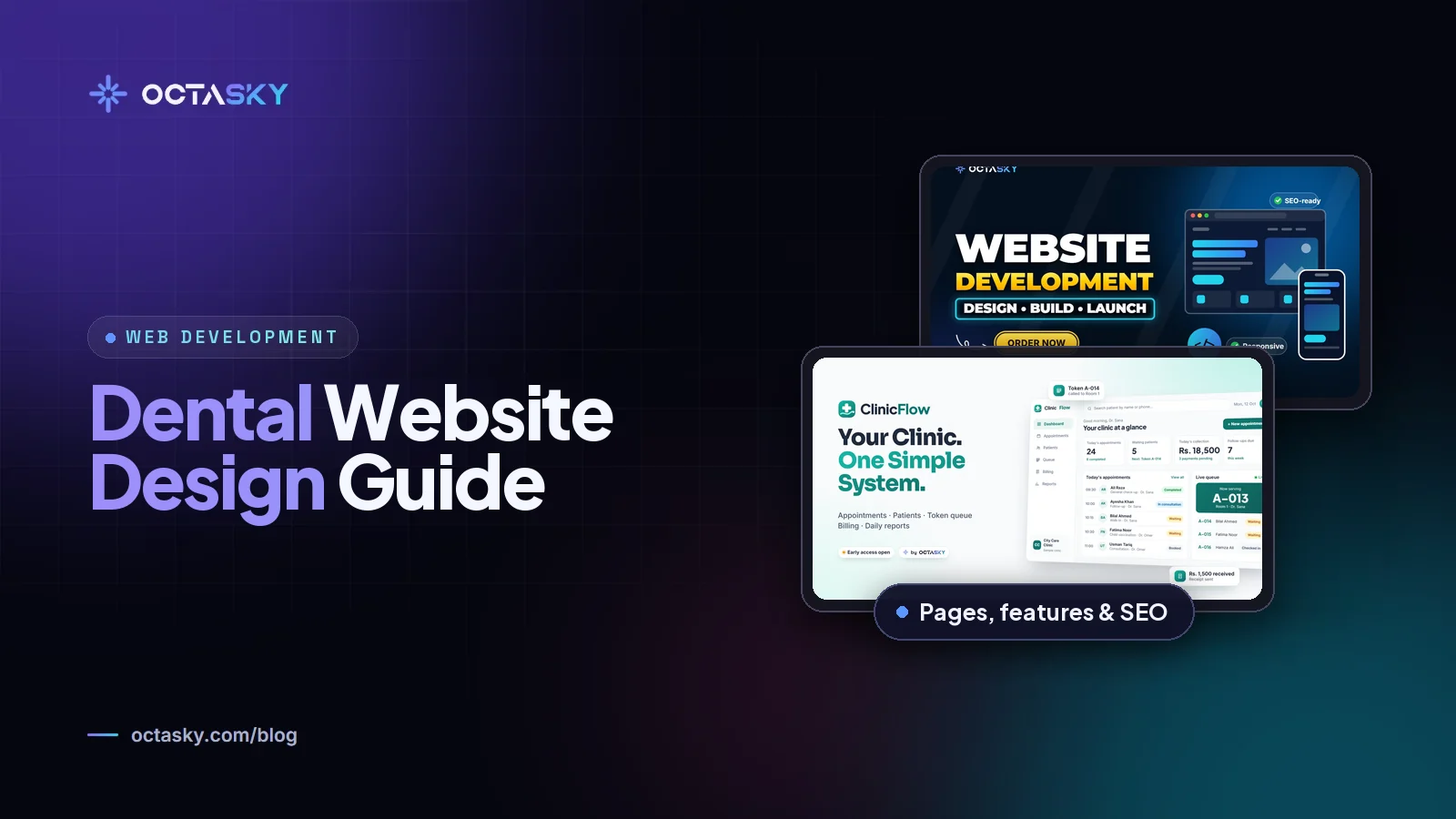
OCTASKY designs fast, mobile-first websites for dental practices and clinics, and builds clinic software too. Tell us about your practice and we'll suggest a page plan and itemised quote.
Need help with this?
OCTASKY's team of 15+ designers, developers, editors and animators can take it off your plate. Tell us about your project and we'll reply with ideas and a clear quote.