Animated Training Videos: When to Use Them, Best Styles and How to Create One
Animated training videos make processes, policies and skills easier to understand and remember. Here's when animation beats live action, which style suits which topic, and a step-by-step process for creating one.
Training content has a reputation for being dull, and much of it deserves it: long slide decks, someone reading a policy aloud, screen recordings with no structure. Animated training videos are one of the most reliable ways to change that. Animation can simplify a complex process, bring a dry policy to life with a relatable character and stay accurate for years without reshoots.
This guide explains when animation is the right choice for employee and customer training, which styles work best for which topics, and how to create an animated training video step by step.
Why use animation for training?
- It makes the invisible visible. Data flows, chemical reactions, how a machine works inside, the path an email takes through a phishing attack: animation shows things a camera can't.
- It simplifies. Animation removes everything that doesn't help the learner understand. Live footage includes the clutter of real life.
- It's relatable without being specific. A cartoon character can represent any employee in any office, which helps with sensitive topics such as harassment, conflict or data protection.
- It's easy to update and translate. Change a scene, a line of narration or the language, without reshooting with actors.
- It's consistent. Every learner gets the same clear explanation, whoever is running the programme.
Animation isn't always the answer. If learners need to see a real person demonstrating a physical technique, or a real software interface in detail, live footage or screen recording may be better. Many good courses mix formats.
Common uses for animated training videos
- Onboarding: company values, how teams work together, systems and processes new starters need in week one.
- Compliance: data protection, anti-bribery, information security, codes of conduct.
- Health and safety: hazard awareness and procedures. See our dedicated guide to animated safety training videos.
- Soft skills: customer service, giving feedback, handling difficult conversations, using scenario-based characters.
- Product and sales training: how a product works and how to explain its value.
- Customer education: teaching users how to get the most from your service, which can reduce support tickets.
- Online courses: concept explainers inside paid courses and academic content.
Best animation styles for training
Whiteboard animation for training
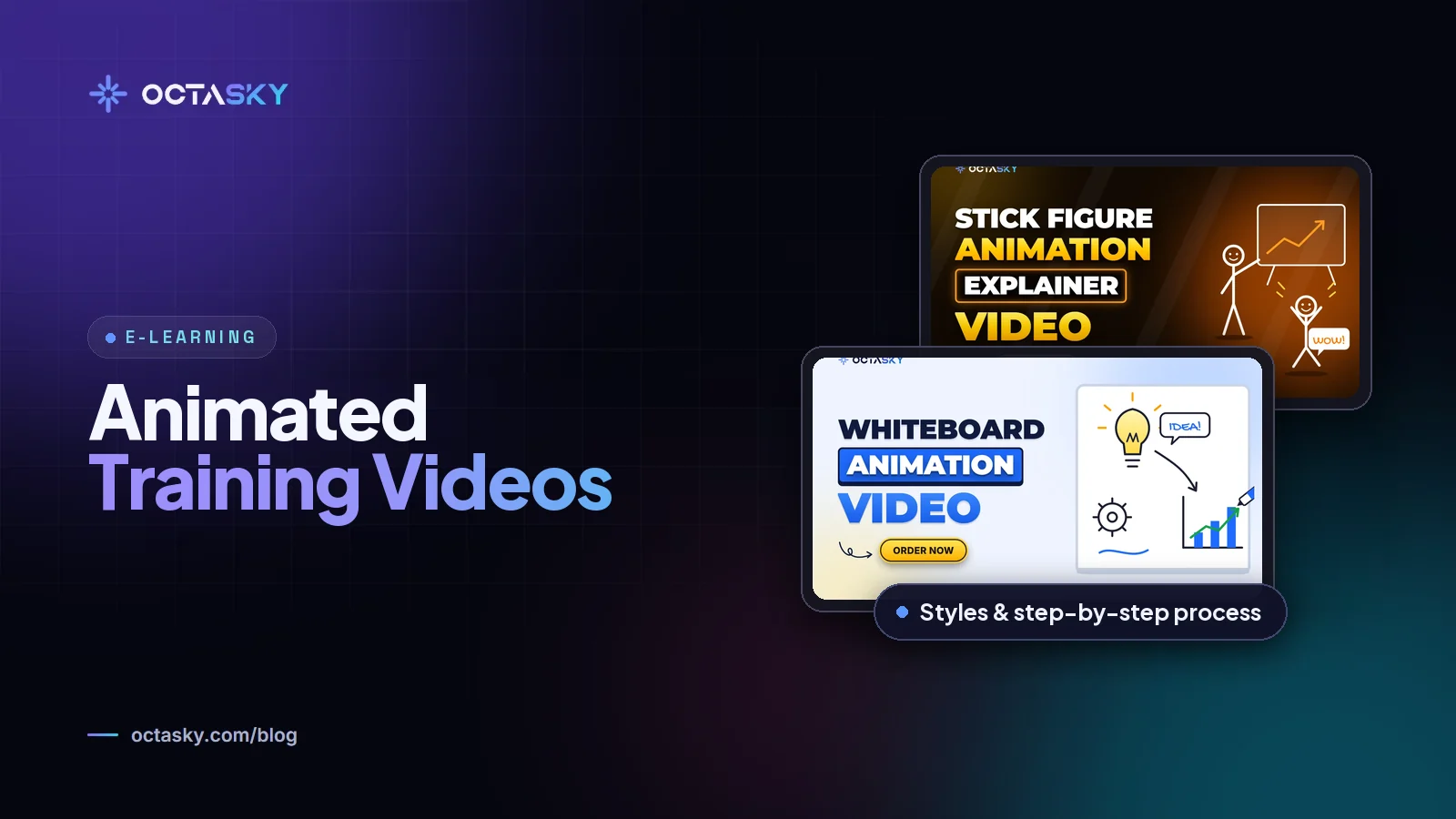
Whiteboard animation (a hand drawing on a white background) is one of the most popular training formats. The drawing builds step by step, which matches how people learn a process. It's affordable and works well for explaining concepts, procedures and the reasons behind rules. Our guide to whiteboard animation cost explains pricing.
2D character animation
Characters let you tell stories: a new starter making a mistake, a customer service call going wrong and then right. This style is ideal for soft skills, compliance scenarios and behavioural training.
Motion graphics
Animated icons, diagrams, charts and text. Ideal for data, processes, frameworks and short microlearning clips. It's usually the fastest style to update.
Stick figure animation
Simple, quick to produce and surprisingly expressive. It suits internal training, informal explainers and topics where a light tone helps. See whiteboard vs 2D vs stick figure animation for a comparison.
3D animation
Best for technical training involving machines, products, anatomy or environments where detail and depth matter. It's the most expensive option.
How to create an animated training video, step by step
1. Define the objective
Write one sentence: "After this video, the learner will be able to..." If you need more than one sentence, plan more than one video.
2. Know your learners
Are they new starters, experienced specialists, customers or students? Their existing knowledge decides your vocabulary, pace and examples.
3. Write the script
Keep it conversational and focused. Aim for around 130 to 160 words per minute of video, and keep most training videos between two and six minutes. Our guide on how long a training video should be explains how to decide.
4. Storyboard the visuals
Sketch what appears on screen for each line of the script. This is where you decide what to show instead of saying, and where reviewers can spot problems cheaply.
5. Choose a style and approve style frames
Pick the style that fits the topic and audience, then approve a few finished-looking frames before full production starts.
6. Record the voiceover
Record after the script is final. Choose a voice that matches your audience: warm and calm for onboarding, clear and serious for safety.
7. Animate, review and revise
Animation is the longest stage. Give feedback in one consolidated list per round to avoid contradictions.
8. Add a knowledge check and publish
Upload to your LMS or video platform, add captions and pair the video with a short quiz or task so learners apply what they've seen.
DIY tools vs an animation studio
DIY animation tools and AI video generators can produce quick internal videos for a low cost. They work for simple updates and short announcements.
A studio is usually worth it when:
- the video will be seen by many people for a long time,
- the topic is complex and needs custom visuals to explain it,
- your brand and tone need to be consistent across a whole series, or
- you need professional voiceover, translation and LMS-ready delivery.
For budgeting, see our guide to e-learning video production cost.
Animated training videos FAQ
Are animated training videos effective?
Animation can improve understanding when it simplifies a complex topic and pairs narration with matching visuals. It's most effective when each video has one clear objective, stays short and is followed by a chance to practise or answer questions.
How much does an animated training video cost?
It depends on style, length and scope. As a rough guide, custom whiteboard and motion graphics videos often cost around $1,000 to $4,000 per finished minute with a small studio, and 2D character animation commonly costs more. Our guide on how much an animated video costs breaks prices down by length.
Can I turn existing slides into an animated training video?
Yes. Existing slides, documents and recordings are a great starting point. A studio can turn them into a tighter script and a storyboard, then animate the key ideas rather than the slides themselves.
Which is better for training: whiteboard or 2D animation?
Whiteboard suits concepts and step-by-step processes, and it's usually cheaper. 2D character animation suits behaviour, scenarios and soft skills where viewers need to relate to people. Many training series use both.
Make training people finish
Animated training videos work when they're short, focused on one objective and designed around what learners need to do next. Choose the style that fits the topic, approve the script and storyboard early and build a series rather than one long video.
OCTASKY creates whiteboard, 2D and motion graphics training videos for companies and course creators worldwide. Share your training topic and we'll recommend a style and send an itemised quote.
Need help with this?
OCTASKY's team of 15+ designers, developers, editors and animators can take it off your plate. Tell us about your project and we'll reply with ideas and a clear quote.